






- Find the best broker for your trading needs
- Compare spreads, fees, and platforms
- Read in-depth reviews and analysis

Page Navigation


Select a different country or region to view content tailored to your location.

FxScouts helps traders across the globe by meticulously testing and reviewing online brokers and providing Forex education and market analysis. Our partners compensate us through paid advertising. While partners may pay to provide offers or be featured, they cannot pay to alter our recommendations, advice, ratings, or any other content. Our content and research teams do not participate in any advertising planning nor are they permitted access to advertising campaign data. For more detailed information click this link.

Ida is a financial writer with a passion for cryptocurrencies, blockchain networks, and Forex trading. A dedicated crypto trader, she developed a deep interest in Forex technical analysis and price action, continually expanding her expertise in market trends and trading strategies.

Ida is a financial writer with a passion for cryptocurrencies, blockchain networks, and Forex trading. A dedicated crypto trader, she developed a deep interest in Forex technical analysis and price action, continually expanding her expertise in market trends and trading strategies.
Chris manages the relationships with our partners to provide the best Forex trading experience possible for our users. Chris has 15+ years of research, and editorial and design experience for political and financial publications. His background has given him a deep understanding of international financial markets and the geopolitics that affect them.
MetaTrader 4 refuses to die — and honestly, I don’t think it should. After years of running EAs, testing execution during London open, and comparing brokers under real market conditions, I’ve learned that MT4 still does one thing exceptionally well: it gets out of the trader’s way.
And once you’ve traded long enough, you stop caring about flashy interfaces and start caring about execution quality, spread stability, VPS reliability, and whether your EA behaves the same live as it did in testing. Because the truth is, MT4 is only half the story—the broker behind it is what really determines the trading experience.
Trusted. Transparent. Tested.
For over a decade, we’ve set the standard in forex broker reviews—collecting thousands of data points yearly to deliver unbiased, expert-backed insights.
Skip the trial and error! Below, you’ll find the best forex brokers for Australian traders for 2026—thoroughly tested, verified, and ranked, so you can trade with confidence.

Swipe to scroll
Broker | Official Site | Max. Leverage (Forex) | MetaTrader 4 (MT4) | Beginner Friendly | Cost of Trading Total trading cost at the time of last update, for 1 lot of EUR/USD using the account with the lowest minimum deposit. Includes spread and commission. | EUR/USD - Standard Spread This is the spread on EUR/USD using the account with the smallest deposit requirements. | EUR/USD - Raw Spread EURUSD spread on account with best pricing available for pro traders. | Regulated By | Compare | ||||
|---|---|---|---|---|---|---|---|---|---|---|---|---|---|
 | AUD 100 | 30:1 | Yes | Excellent | USD 6 | 0.00 pips | 0 pips |      | 10162 | 70 | |||
 | AUD 100 | 30:1 | Yes | Excellent | USD 10 | 1.00 pips | 0.10 pips |      | 1597 | 90 | |||
 | AUD 100 | 30:1 | Yes | Excellent | USD 9 | 0.90 pips | 0.90 pips |     | 930 | 63 | |||
 | USD 0 | 500:1 | Yes | Excellent | USD 8 | 0.80 pips | 0.18 pips |  | 26137 | 70 | |||
 | AUD 0 | 500:1 | Yes | Excellent | USD 4.50 | 0.00 pips | 0 pips |  | 247 | 81 | |||
 | AUD 0 | 30:1 | Yes | Excellent | USD 6 | 0.60 pips | 0.85 pips |    | 19295 | 80 | |||
 | AUD 0 | 30:1 | Yes | Standard | USD 10 | 1.00 pips | 0.00 pips |  | 273 | 70 | |||
 | USD 100 | 500:1 | Yes | Excellent | USD 6 | 0.00 pips | 0.10 pips | | 612 | 62 | |||
 | AUD 100 | 30:1 | Yes | Excellent | USD 10 | 1.00 pips | 0.06 pips | | 846 | 55 | |||
 | AUD 100 | 200:1 | Yes | Excellent | USD 14 | 1.40 pips | 0.40 pips | | 2241 | 70 |












Select another broker to another broker to compare features, fees, and platforms side by side.
Find Your Ideal Forex Broker
Select another broker to another broker to compare features, fees, and platforms side by side.
0.0 pips
CMA, FSA-Seychelles, FSC, FSCA, ASIC
AUD 100
cTrader, MT4, TradingView, MT5, IRESS
30:1
FP Markets integrates MT4 with Equinix NY4 servers for raw spread ECN pricing and ultra-fast execution speeds under 40ms.
Regulated by ASIC with tier-1 bank segregation of client funds and negative balance protection.
MT4 is enhanced with over 50 built-in indicators, Autochartist integration, and VPS support for EAs.
Spreads from 0.0 pips on Raw accounts, with a $3.00 commission per side—ideal for high-volume strategies.
Platform options are limited to MT4 and MT5—less flexible compared to brokers that offer more modern UIs.
MT4 setup and ECN trading require more trading knowledge, potentially intimidating for new traders.
FP Markets | Best For: Active traders and scalpers seeking ECN spreads and deep liquidity on MetaTrader 4.

FxScouts
 YouTube
Select another broker to another broker to compare features, fees, and platforms side by side.
0.0 pips
CMA, BaFin, SCB, DFSA, ASIC, CySEC, FCA
AUD 100
Pepperstone Platform, cTrader, MT4, TradingView, MT5
30:1
Pepperstone offers MT4 with pricing from 20+ liquidity providers, reducing slippage on major pairs.
Backed by ASIC regulation and an Australian office with 24/5 support tailored to local traders.
MT4 orders average under 30ms—well-suited for scalping and automated strategies.
Includes 28 advanced MT4 plugins like mini terminal, sentiment indicators, and correlation matrix.
Traders looking for a modern, custom-built UX will need to use third-party platforms only.
Compared to other brokers, the education suite is less in-depth for beginners.
Pepperstone | Best For: Professional MT4 traders seeking low latency execution with strong regulatory backing.
FxScouts
YouTube
Select another broker to another broker to compare features, fees, and platforms side by side.
0.9 pips
ISA, FRSA, CBI, FSA-Japan, FSCA, ASIC, CySEC
AUD 100
MT4, MT5, AvaOptions, Avatrade Social
30:1
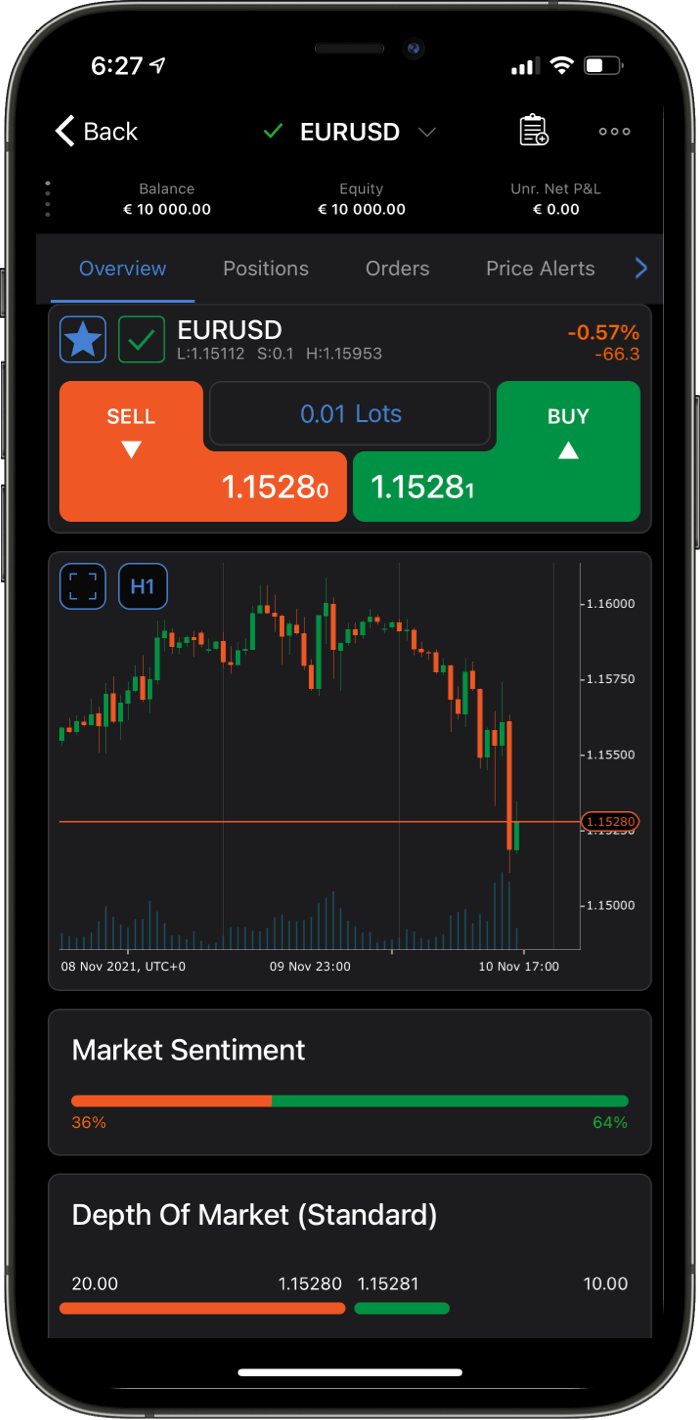
Offers fixed spreads on MT4 accounts, helping traders avoid widening spreads during news events.
Globally regulated across multiple jurisdictions, including ASIC in Australia and FSCA in South Africa.
Fully integrates MT4 with DupliTrade and ZuluTrade—rare among MT4 brokers.
Education tools, video tutorials, and local support make AvaTrade suitable for MT4 newcomers.
Does not offer ECN or raw spread pricing; costs can be higher for high-frequency traders.
No Smart Trader tools or advanced plugins offered with MT4 compared to brokers like Pepperstone.
AvaTrade | Best For: Beginners and part-time traders looking for MT4 with fixed spreads and easy-to-use tools.
FxScouts
YouTube
Select another broker to another broker to compare features, fees, and platforms side by side.
0.1 pips
FMA, FSA-Seychelles
USD 0
cTrader, MT4, TradingView, MT5
500:1
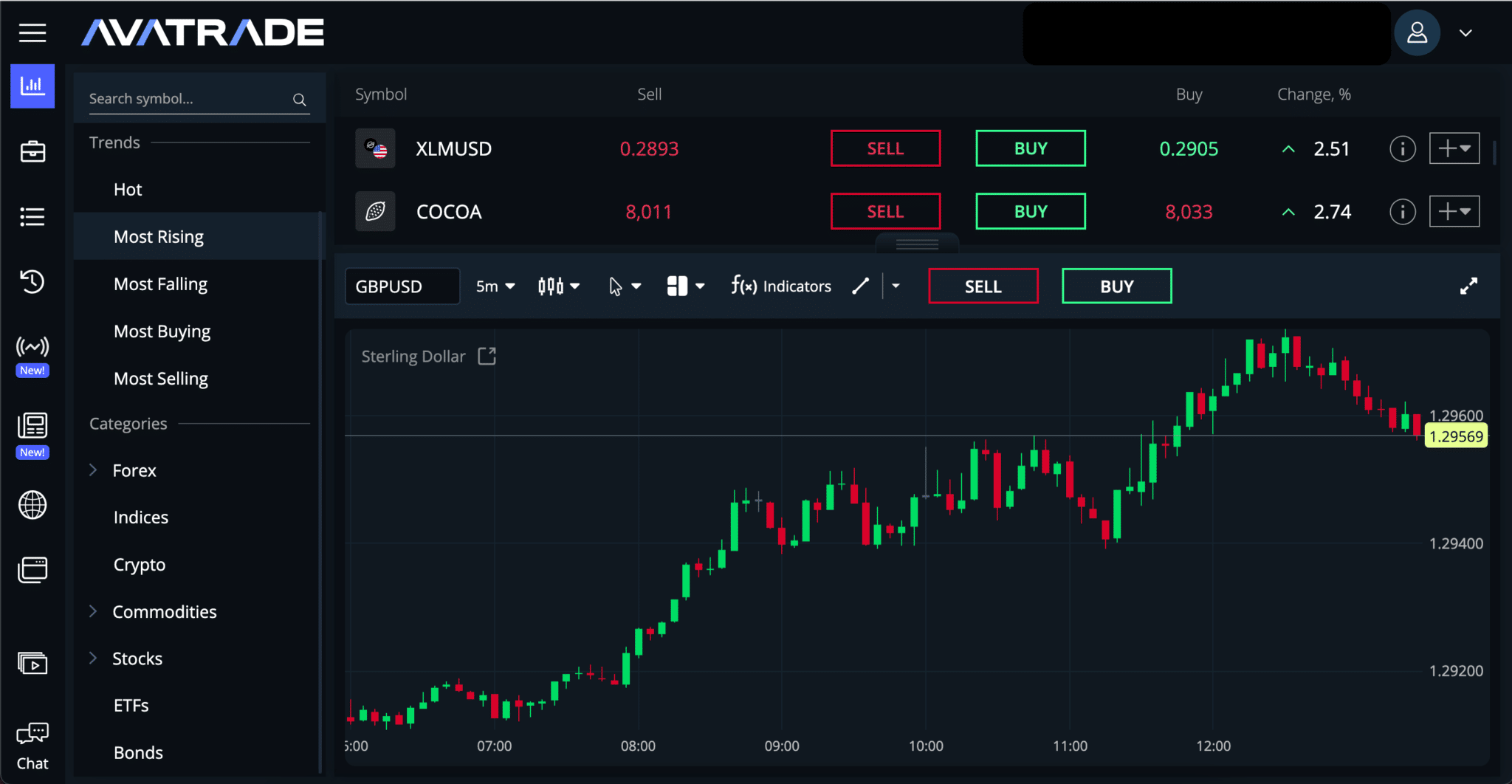
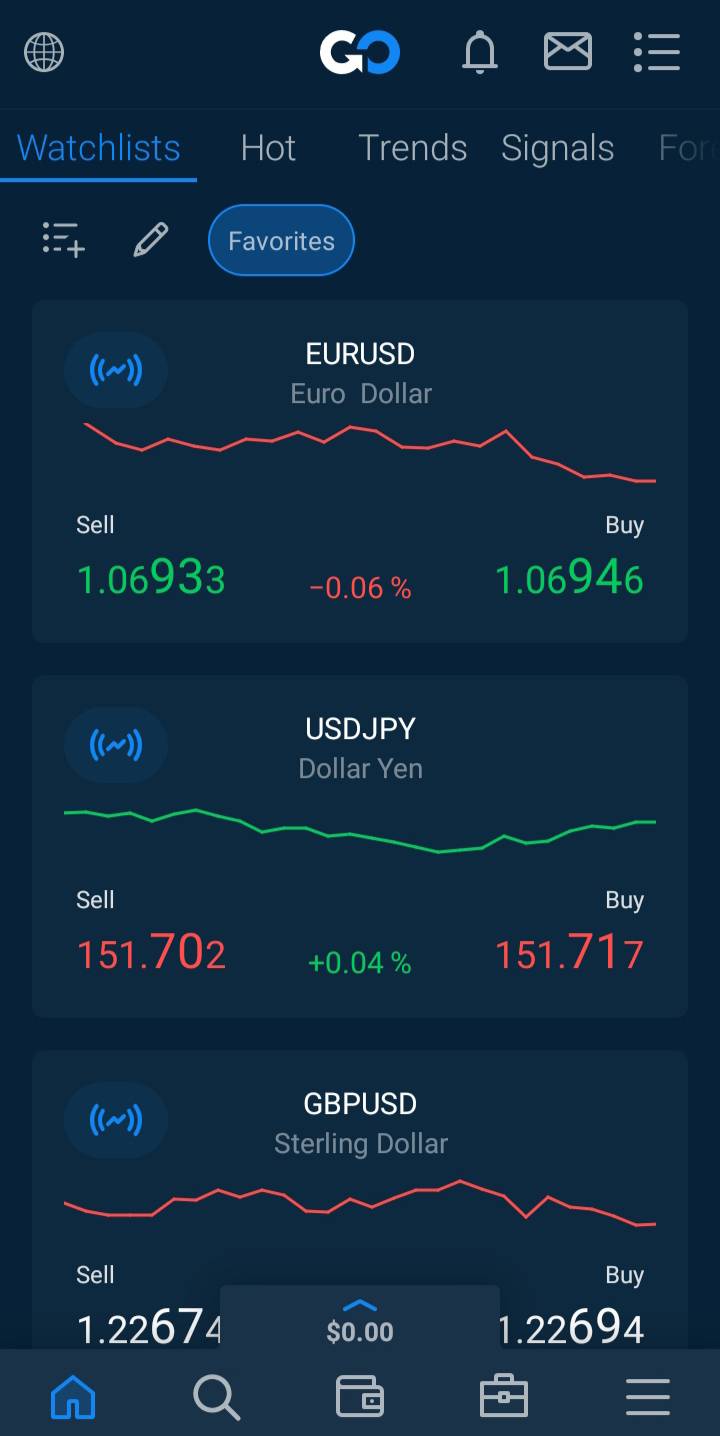
One of the few brokers to offer high leverage up to 500:1 with ECN-style order execution.
Pro and ECN accounts start at 0.0 pips with commissions as low as $6/round turn—ideal for high-frequency trading.
Aggregation from tier-1 providers, routed via Equinix NY4 servers to support fast execution on MT4.
Free VPS for eligible traders ensures 24/5 MT4 uptime for EA and scalping strategies.
Operates under FMA New Zealand, which may not offer the same trust level as ASIC for Australian traders.
Limited tutorials, webinars, and MT4 guidance for newer traders.
Select another broker to another broker to compare features, fees, and platforms side by side.
0 pips
VFSC, ASIC
AUD 0
cTrader, MT4, TradingView, MT5
500:1
Charges just $2.25 per side ($4.50 round-turn) on MT4 Raw account—among the cheapest globally.
Locally regulated with dedicated support and fast deposits via POLi and PayID for Australians.
Offers Fusion+ tools including economic calendar, sentiment data, and correlation matrix tailored for MT4.
Practice trading with no time restrictions—ideal for system testers and learners.
Does not natively support MT4-based social or copy trading platforms like ZuluTrade or Myfxbook.
Not suitable for Sharia-compliant traders who require swap-free MT4 setups.
Select another broker to another broker to compare features, fees, and platforms side by side.
MetaTrader 4 launched in 2005. It is older than the iPhone, yet it still has more active retail Forex traders than almost any platform that has come after it.
There are good reasons for that.
MT4 is no longer the most advanced option. MT5 has more order types, faster backtesting, an integrated economic calendar, and depth-of-market features that MT4 simply does not offer.
But traders do not stay loyal to a platform because it looks better on paper. They stay with what fits the way they trade.
That is where MT4 still has an edge. The MQL4 ecosystem is massive, with years of indicators, scripts, EAs, and custom tools behind it. When I was testing simple trading ideas, MT4 always felt easy to work with because there was already a forum thread, code sample, or workaround for almost everything.
Familiarity matters too. Traders know their chart layouts, templates, hotkeys, and routines. Many prop firm challenges, signal services, and copy trading systems still run on MT4, so switching is not just a platform upgrade. It means rebuilding a workflow.
That, more than anything, is why MT4 has lasted. Not because it is newer, but because, for many traders, it is still the easiest platform to use every day.
It’s easy to dismiss MT4 as “old,” but in my experience, its longevity is its greatest strength. Here is why I still keep an MT4 terminal running 24/5:
If you want to trade like a pro on MT4, you need to understand the “under the hood” mechanics:
Many people think an EA is a “money printer.” In my experience, even the best EA will fail if your broker has a “bad bridge.” A bridge is the software that connects your MT4 terminal to the broker’s liquidity providers. If that bridge is slow, your EA will get poor fills. Always test a new EA on a “Raw Spread” account first to see how it handles real market conditions.
If you are running an EA, a VPS isn’t a luxury—it’s a necessity. I have found running a bot on home Wi-Fi is a recipe for disaster. Home connections can add up to 400ms of latency; in a fast market, that’s an eternity.
The goal is sub-1ms latency. If you use a VPS provider like Beeks or Vultr in the same data centre as your broker (New York or London), your execution becomes near-instant.
MetaQuotes (the creators of MT4) occasionally pushes “Build” updates. I know from painful experience that these can sometimes break custom indicators. I always recommend backing up your templates and MQL4 folders every weekend. If a Monday morning update breaks your charts, you’ll be glad you have the backup.
This question comes up constantly, and the honest answer is more nuanced than most people want to hear. Here’s how I’d frame it. MetaQuotes — the company behind both platforms — has made no secret of wanting to shelve MT4. They stopped selling new MT4 server licences to brokers in 2020. Some brokers have already transitioned their new clients to MT5 as a default. But the market has refused to follow the plan. MT4 user numbers remain enormous, and brokers that have tried to force migration have faced significant pushback.
Here’s my honest position after years of using both: MT5 is objectively more capable, but MT4 is practically more useful for most retail traders right now. That tension is real, and I don’t think it resolves neatly. Let me break down where each platform wins.
| Feature / Consideration | MT4 | MT5 | Winner |
|---|---|---|---|
| EA ecosystem (community) | Decades of battle-tested code, enormous library | Growing, but still catching up | MT4 |
| Backtesting engine | Single-threaded, slower, MQL4-limited | Multi-threaded, faster, more accurate tick data | MT5 |
| Order types | 4 pending orders | 6 pending orders including Buy/Sell Stop Limit | MT5 |
| Netting vs hedging | Hedging natively supported | Both modes available (account-level setting) | Tie |
| Prop firm compatibility | Dominant standard across prop firms | Growing adoption but not universal | MT4 |
| Market depth (DOM) | Not available | Full depth-of-market built in | MT5 |
| Asset class support | Forex and CFDs primarily | Forex, stocks, options, futures, CFDs | MT5 |
| EA migration from MQL4 | Native | Requires rewrite (not backward compatible) | MT4 |
| Long-term platform viability | No new broker licences since 2020 | Active development, MetaQuotes-backed future | MT5 |
| Copy trading / signals | Mature, well-established networks | Available but smaller community | MT4 |
My practical recommendation: if your EAs are already built and profitable in MQL4, stay on MT4 for now. The migration cost — both in development time and in recalibrating EA parameters against a different backtesting engine — is real and can introduce new problems. If you’re starting fresh in 2026 and plan to build long-term, learning MQL5 and MT5 is the more future-proof path. Both platforms are well-supported by the brokers on this list.
Most guides treat MT4 like it’s the market itself. It isn’t. MT4 is just the interface—the “remote control.” When you click a button, your order travels through several software layers before hitting a bank.
In my experience, the most critical layer is the Bridge. This is the software that connects the broker’s server to the liquidity providers. A high-quality bridge means sub-millisecond internal latency; a cheap one means your order hangs during high volatility.
| Broker | Bridge Tech | Why It Matters |
|---|---|---|
| IC Markets | OneZero | Uses the OneZero “Liquidity Hub” to aggregate pricing from dozens of banks. |
| Pepperstone | OneZero | Powers their “Razor” accounts with ultra-low latency in Equinix NY4/LD4 data centers. |
| FP Markets | OneZero | Utilises OneZero for robust Direct Market Access (DMA) and ECN pricing models. |
| Tickmill | PrimeXM | Uses PrimeXM XCore to achieve some of the fastest retail execution speeds globally. |
| Axi | OneZero | Institutional-grade pricing bridged directly to their retail MT4 environment. |
When evaluating an MT4 broker, consider these critical factors:


Find quick answers to the most common questions traders ask about the MT4 platform and its features.
This is the #1 question I get. MetaQuotes (the developer) hasn’t sold new licenses to brokers for years, but in my experience, MT4 isn’t going anywhere. Because the MQL4 coding language is incompatible with MT5, there are literally millions of custom indicators and EAs that only work on MT4. Brokers know that if they force a migration, they’ll lose half their client base overnight. It’s the “Windows XP” of trading—it’s old, but it’s too essential to die.
Technically, you can download the generic version from MetaQuotes to practice charting, but you can’t execute trades. In my experience, it’s better to just open a “Demo Account” with a broker like IC Markets or Pepperstone. It gives you the real price feed of that specific broker, which is much more accurate than the generic “MetaQuotes-Demo” server.
If you’re seeing “Requotes” or “Off-quotes” while others are getting instant fills, it’s usually not your internet—it’s the broker’s bridge. In my experience, many budget brokers use cheap bridges that buckle during high volatility (like NFP). If you want pro-level speed, you need a broker that uses OneZero or PrimeXM infrastructure and a co-located VPS.
Yes, but MT4 was originally built specifically for Forex. While brokers have “hacked” it to support Gold, Oil, and Indices, in my experience, the platform starts to feel clunky if you try to trade hundreds of stocks or obscure cryptos. If you’re a pure FX and Gold trader, MT4 is perfect. If you want a massive portfolio of global stocks, that’s the one time I’d suggest looking at MT5.
While the platform itself is free, brokers usually require a minimum to open an account. In my experience, you’ll see “cent accounts” with a $10 minimum (like Exness), but for a professional raw spread setup, you should expect to put down $200. Anything less and the commissions on a Raw account will eat your margin too quickly.
Yes. MT4 fully supports automated trading through Expert Advisors (EAs). You can download or purchase EAs or build your own using MQL4. Always test EAs on a demo account first.
Yes. MT4 is widely available on Android and via WebTrader. Mobile MT4 is ideal for monitoring and managing trades, while the desktop platform is better for analysis and automated trading.
Curious about the latest in forex? You’re not alone. Many traders and investors are digging deeper into these topics to refine their strategies and understanding. Here’s a curated selection of “others also viewed” articles, offering a range of perspectives and insights that could prove valuable for your own forex journey.

Good Forex brokers for beginners will help their clients get started. These are the best Forex brokers for beginners in Australia for 2026.

Which broker offers the lowest spreads? We compare Forex spreads across 160+ regulated Forex brokers accepting Australian clients using the latest data.

Find the best brokers for trading the VIX, offering precise execution, low fees, and advanced tools to capitalise on market volatility.
60-90% of retail traders lose money trading Forex and CFDs. You should consider whether you understand how CFDs and leveraged trading work and if you can afford the high risk of losing your money. We may receive compensation when you click on links to products we review. Please read our advertising disclosure. By using this website, you agree to our Terms of Service.
Partner Manager and Financial Writer
Head of Content

Financial Writer



Welcome to the FxScouts community! We’re thrilled to have you on board. You’ve successfully signed up for our forex newsletter, where you’ll receive expert insights, market analysis, and the latest news straight to your inbox.
Get ready to stay ahead of the curve with our regular updates designed to help you make informed trading decisions.
Happy trading!
The FxScouts Team